Widgety العربية Get the app
Islamic widgets for iPhone

Widgets worthy of your Home Screen

Prayer times, the Hijri date, occasions and weather — 37 designs set in true Arabic type, in four families made for your wallpaper.

Free on the App Store For iPhone, iOS 17 or later
37designs
4families for your wallpaper
22Arab countries’ national days
0accounts, ads or tracking
What’s inside

Your whole day, at a glance

Every widget is drawn with your city’s real data and refreshes on its own — no need to open the app.

Prayer

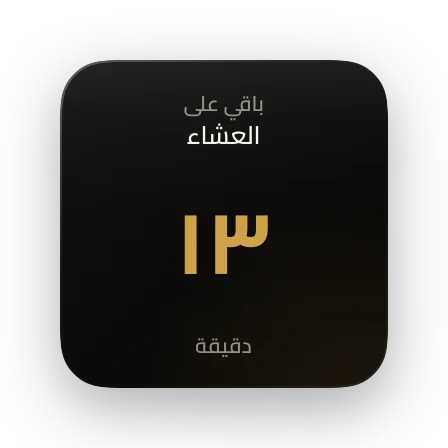
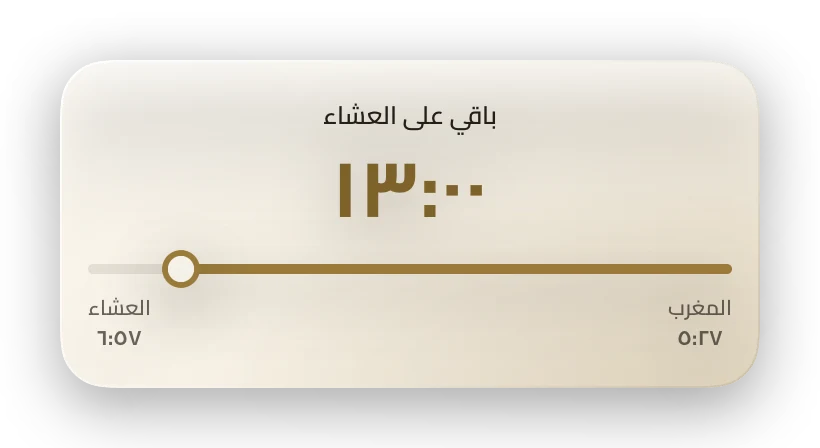
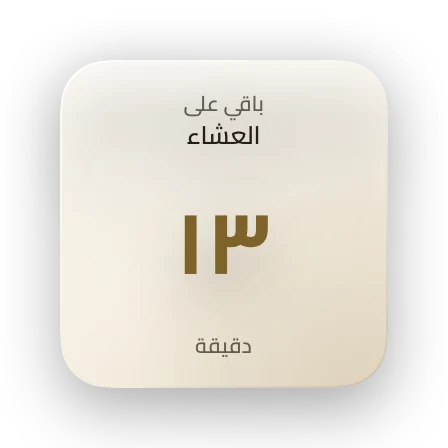
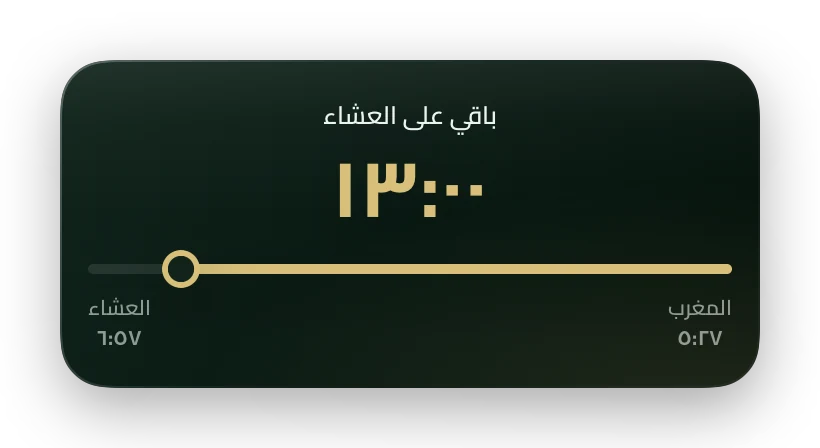
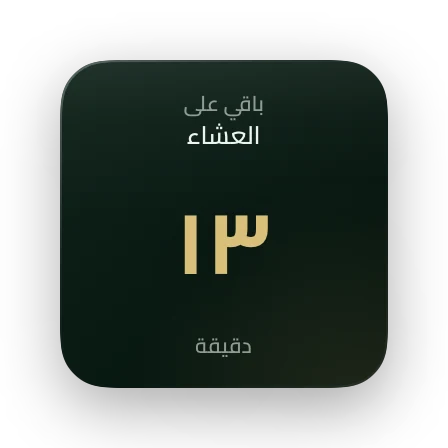
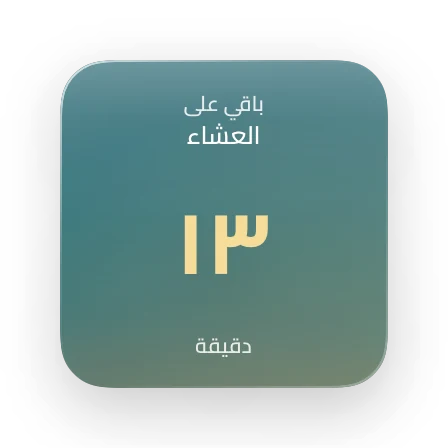
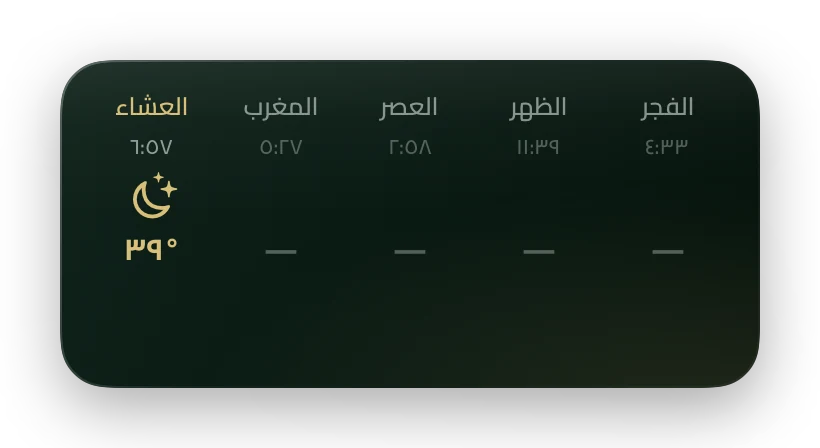
The next prayer, and the time left

Accurate times for your city, computed on your iPhone with your country’s method.

  • A live countdown inside the widget
  • Umm al-Qura in Saudi Arabia, and each country’s own method
  • Iqama time for each prayer, and an adhan alert
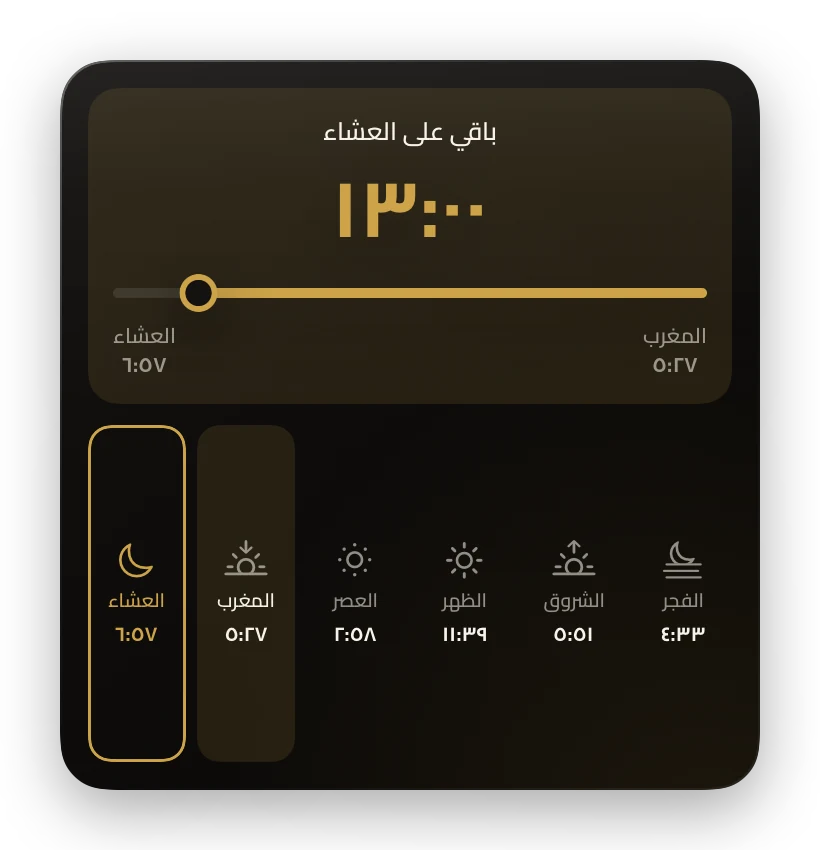
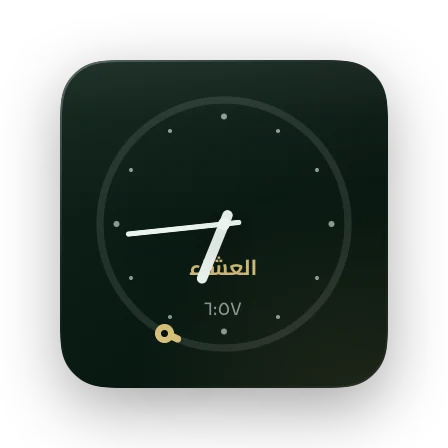
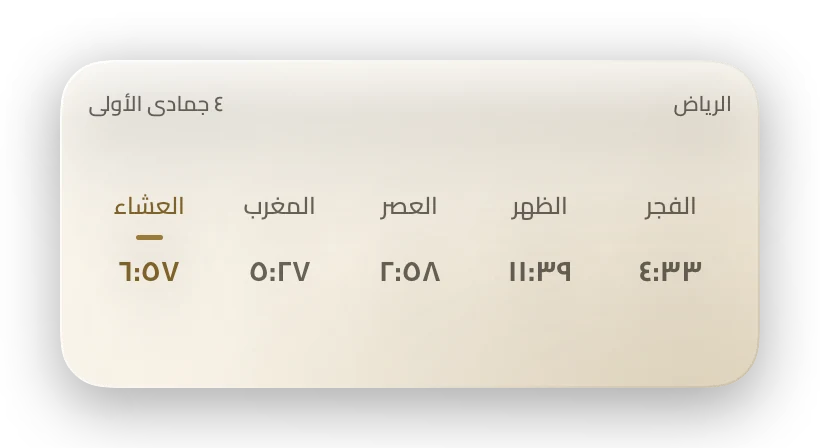
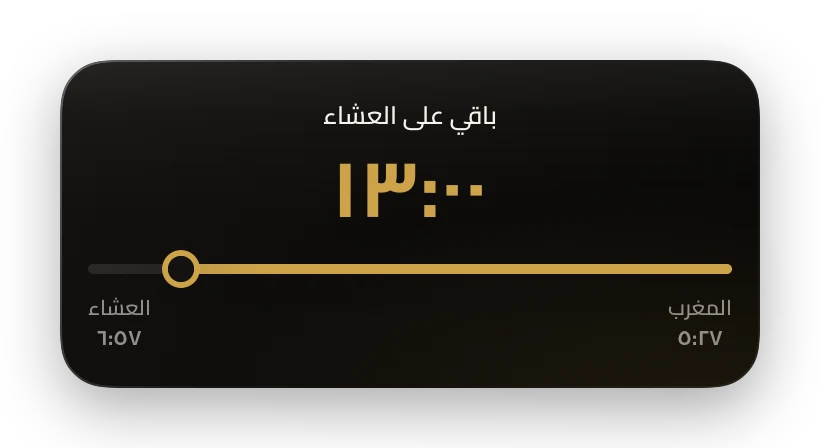
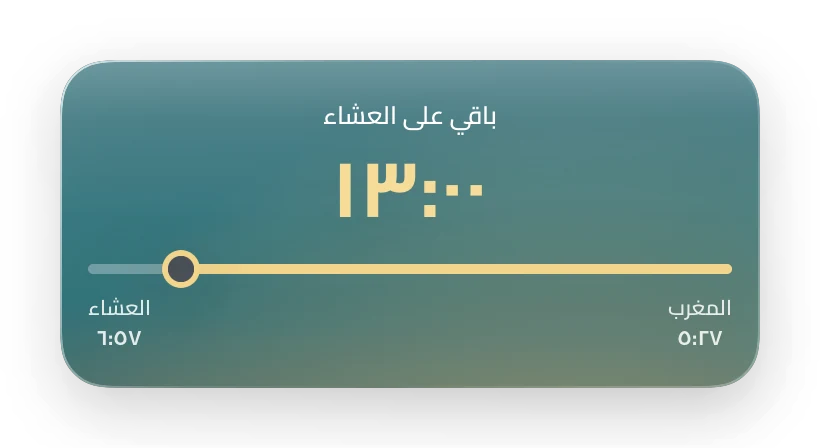
Masar widget: countdown to the next prayer Miqat widget: clock and next prayer Prayer Times widget
Date

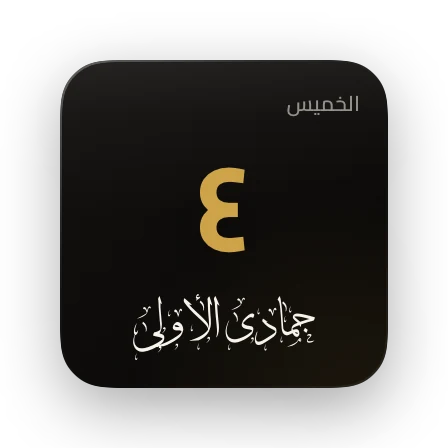
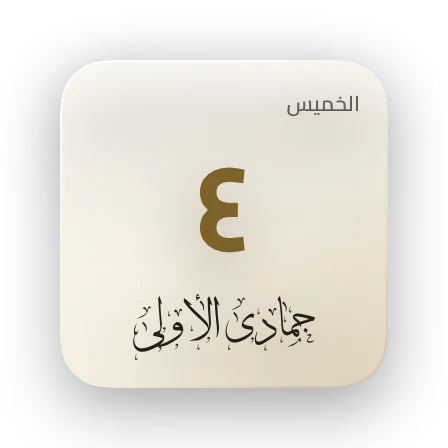
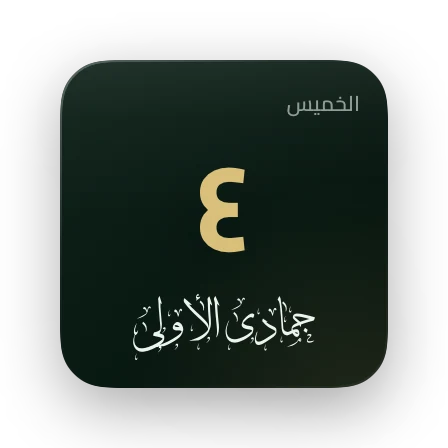
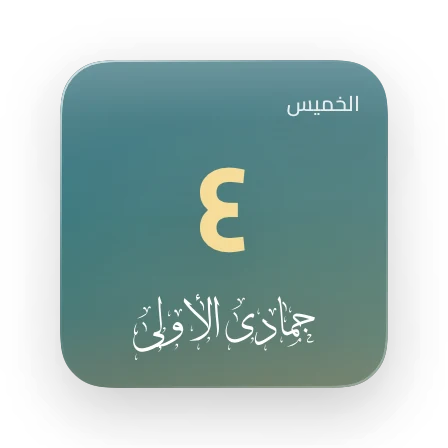
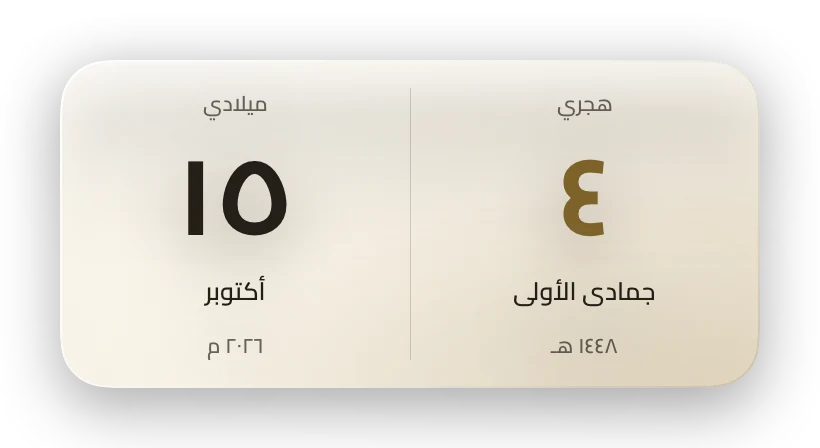
Hijri first, Gregorian beside it

The Umm al-Qura calendar, with a one-day adjustment when your country’s moon sighting differs.

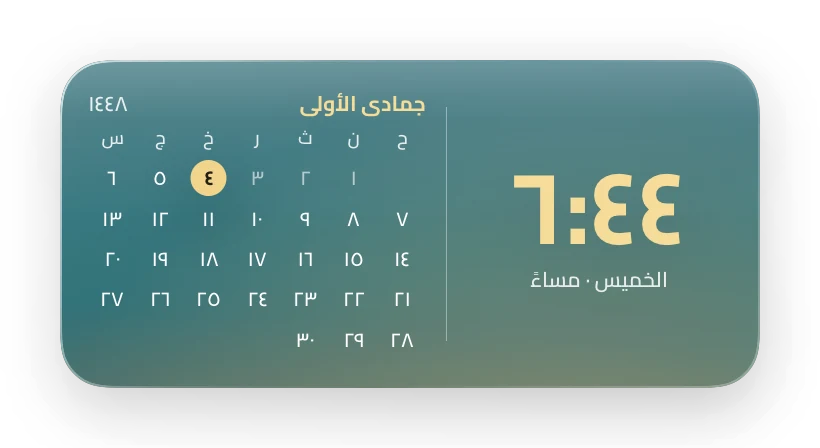
  • Today, the whole month, or the Hijri year in one widget
  • Day and month names in Thuluth calligraphy
  • Arabic ١٢٣ or Western 123 numerals
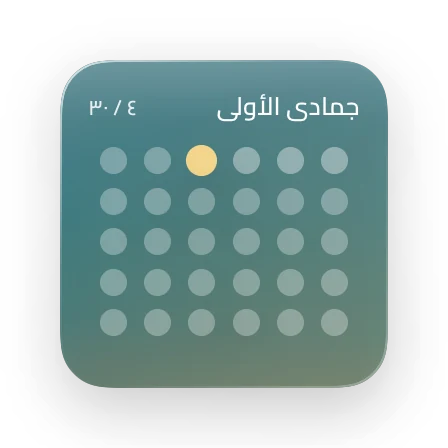
Calendar widget: the Hijri year Month Dots widget: the Hijri month Both Dates widget: Hijri and Gregorian
Clock

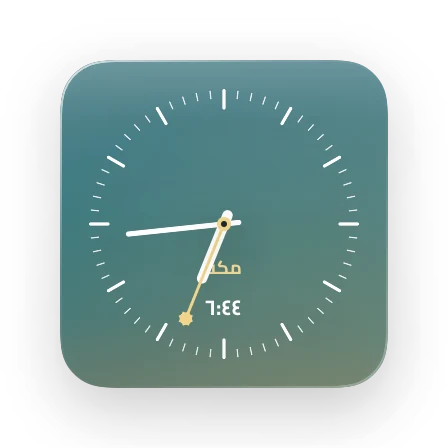
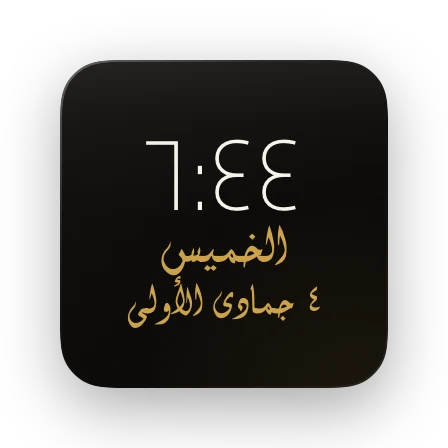
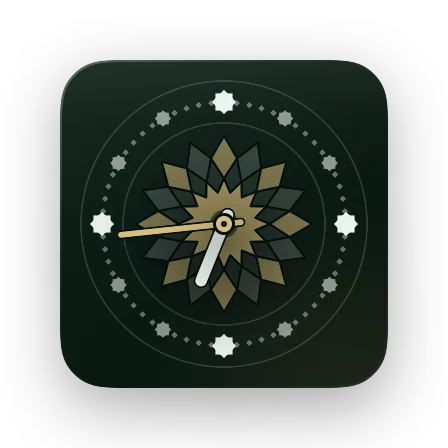
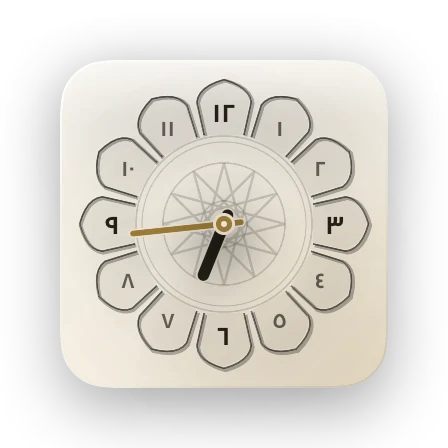
Clocks from Islamic art and architecture

Naqsh, zellige, carved gypsum and Diwani script — and Makkah’s time beside yours when you travel.

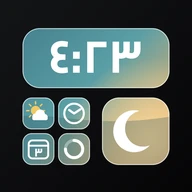
  • 12- or 24-hour time
  • Digital, hands, or calligraphy
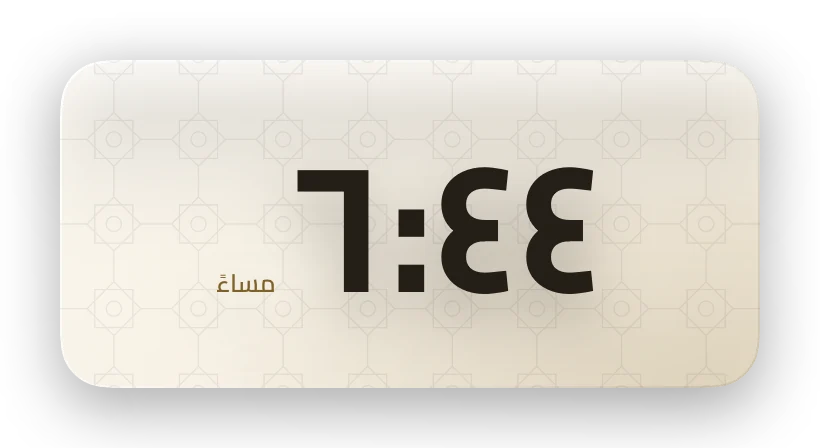
Naqsh clock widget Diwani calligraphy clock widget Zellige clock widget Makkah time widget
Occasions

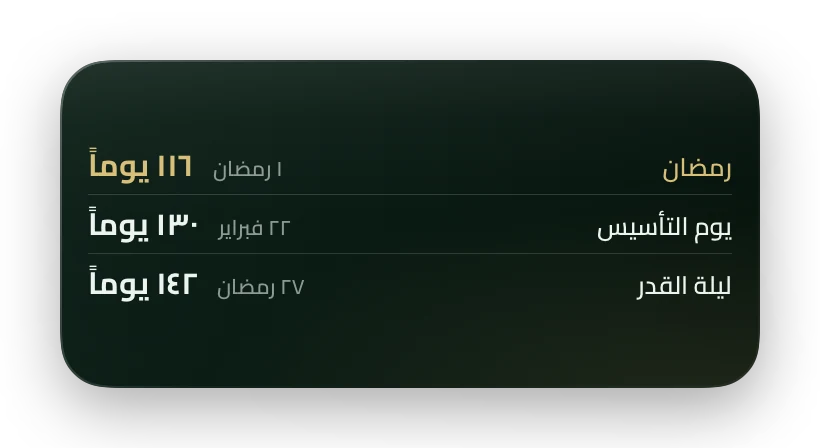
Ramadan, both Eids, and your National Day

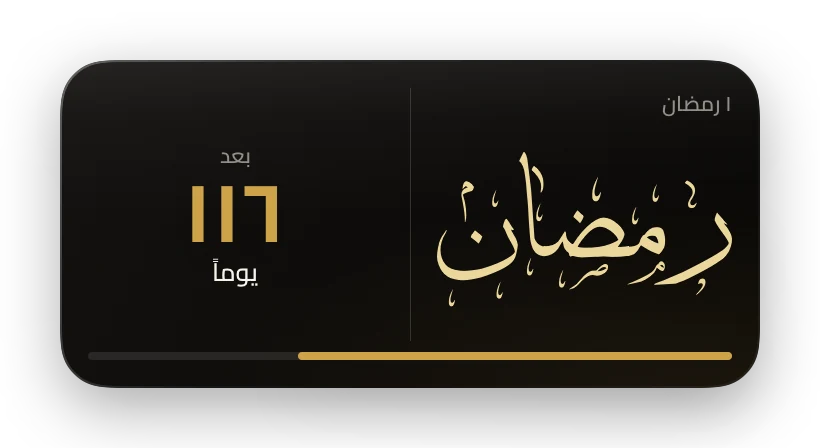
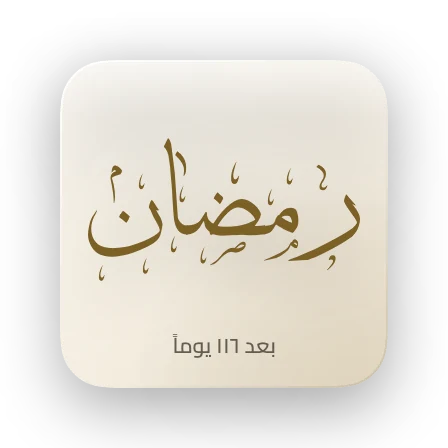
Countdowns to Islamic occasions, the national days of 22 Arab countries, and the Mawlid where it is a holiday.

  • Choose your country in Settings
  • Jumu’ah, Ramadan and Eid greetings on the day
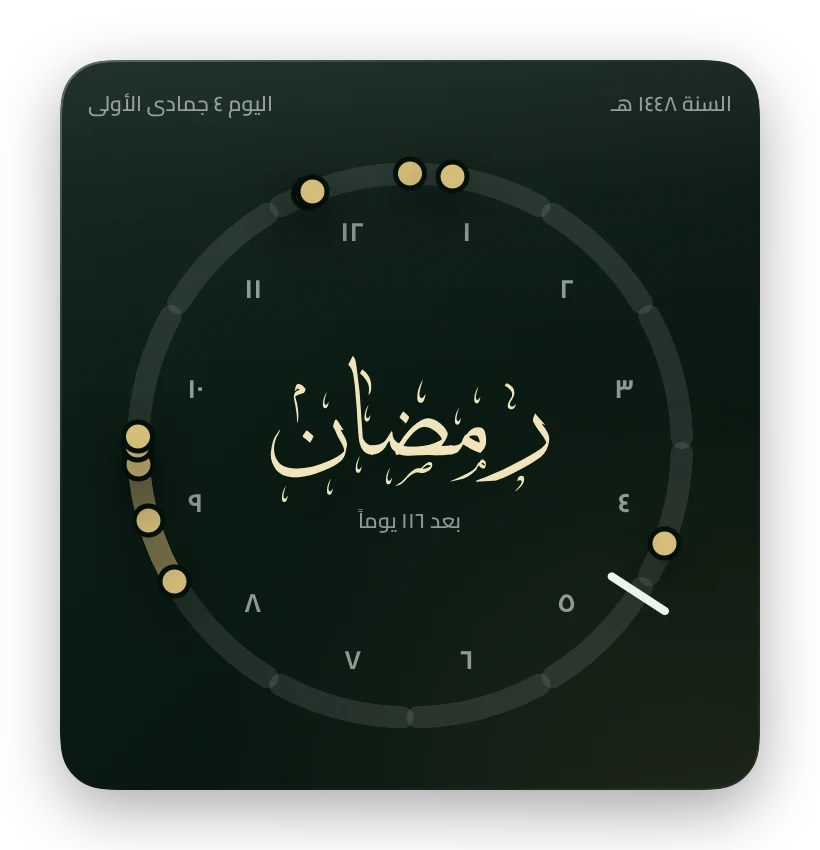
Upcoming widget: the next three occasions Greeting widget Countdown widget: the next occasion
Weather

Your weather, with your prayers

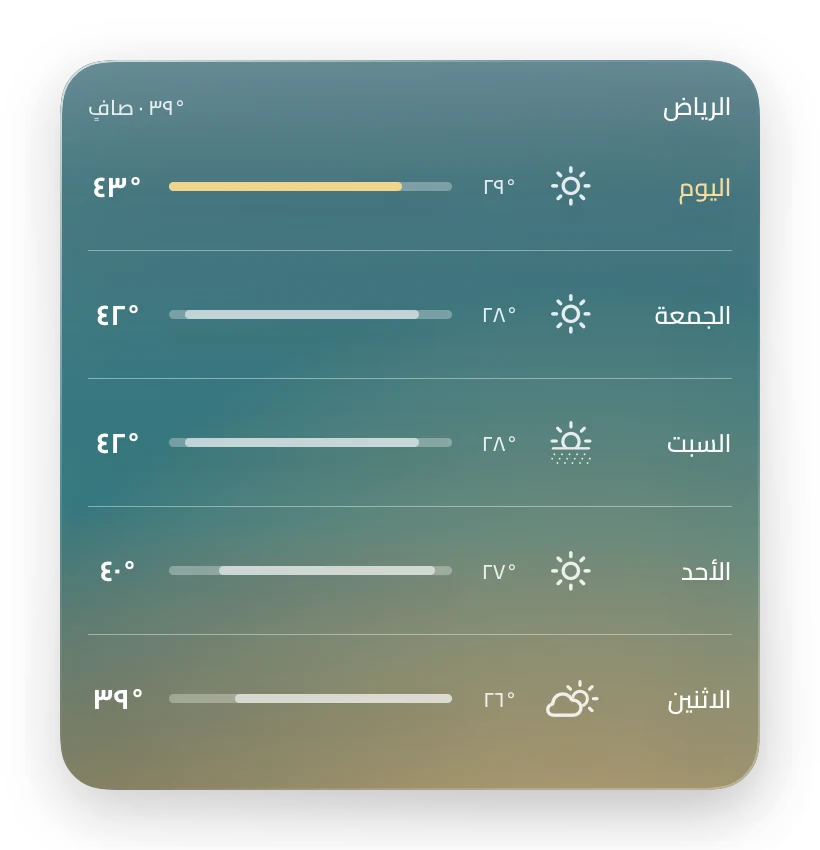
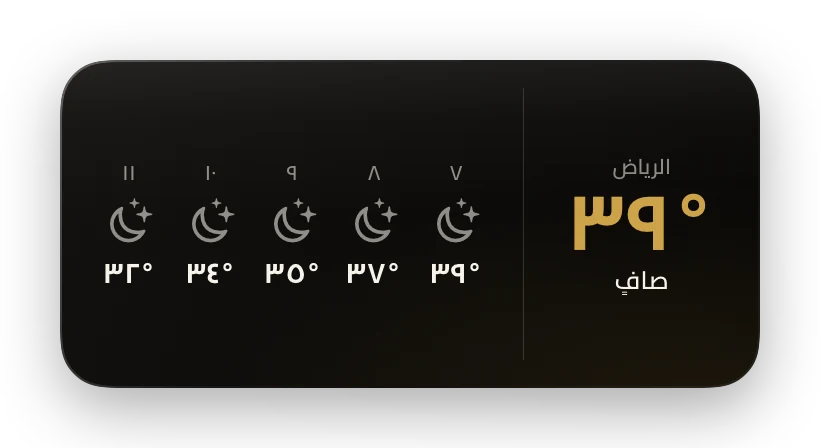
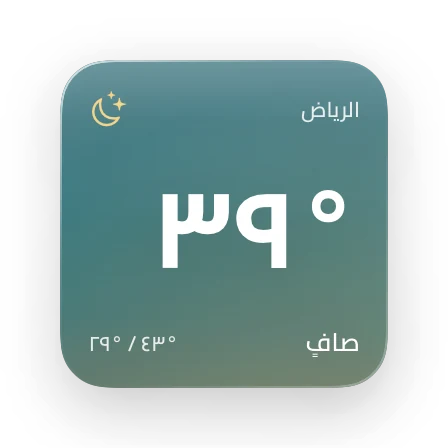
Now, the hours ahead and the whole week — from Apple Weather.

  • Sunrise and sunset, and the feels-like temperature
  • Prayer and weather in one widget
Week weather widget Hourly weather widget Weather widget
Families

Four families, one calm screen

Pick each widget’s family in Edit Widget. In Glass, the widget turns see-through over your wallpaper.

Lock Screen

And on the Lock Screen, under the clock

Four small widgets you see before you unlock.

  • The next prayer, its time and the time left
  • The Hijri date in Thuluth
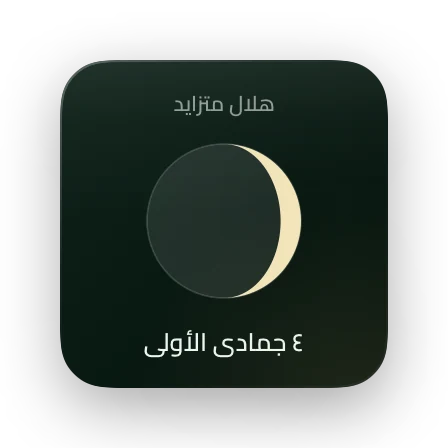
  • Tonight’s moon
  • Days to payday — on the day you choose
How to add

On your Home Screen in half a minute

The steps exactly as your iPhone shows them — and the same film is inside the app.

  1. Touch and hold an empty spot, then Edit → Add Widget
  2. Choose Widgety and swipe to pick a size
  3. Add Widget, then ✓
  4. Touch and hold the widget → Edit Widget, and pick the design and family
Free, with Pro for more

Start free, unlock everything when you like

Free

No account, no ads

  • 17 Home Screen designs
  • All four families, Glass included
  • All four Lock Screen widgets
  • Adhan alerts and occasions

Widgety Pro

Monthly, yearly, or once for life

  • 20 more designs: Masar, Naqsh, Clock & Month, Hourly…
  • Themes: two wallpapers per family, saved to Photos
  • Every new Pro design, at no extra cost
  • Restore purchases at any time
No accountNo sign-up, no email, no phone number.
No adsYour screen is yours alone.
No trackingPrayer times are computed on your iPhone. Privacy

Questions

Is Widgety free?

Yes. 17 designs are free, with every family and the Lock Screen widgets. Pro unlocks 20 more designs and the Themes.

I added the widget but no prayer times show

Open Widgety once and allow location so it can compute your city’s times. The widget refreshes on its own after that.

How do I make a Glass widget see-through?

In Settings → Glass Wallpaper (خلفية الزجاج), pick a screenshot of your empty Home Screen, then set the widget’s position in Edit Widget.

The Hijri date is a day off for my country

In Settings → Hijri Calendar (التقويم الهجري), move it a day forward or back to match your local sighting.

Does it work offline?

Prayer times, dates and occasions are computed on your iPhone and work offline. Only the weather needs a connection.

How do I restore Pro on a new iPhone?

Settings → Restore Purchases (استعادة المشتريات), with the same Apple Account.

Widgety app icon

Your screen, the way you want it

Get Widgety free and add your first widget tonight.

Download on the App Store